The ULTRA RED MCP server picked up a new tool, new filters, and access control.
A new get_asset_scan_activity tool returns the scanner start and end history for a specific asset, so an agent can answer when an asset was last scanned or whether a scan is in progress.
list_vectors can now filter by priority and by name, and list_assets and get_targets can filter by name. All filters combine in a single call.
We also refreshed the tool descriptions across the server so connected agents choose the right tool more reliably.
API
Beyond the MCP, the underlying API gained new routes and filters.
A new route returns the scan activity for a specific asset, listing each scanner start and end event.
New filters let you filter targets by name, and vectors by name or by priority.
A new route adds a lead domain to a target, with the option to also scan its related domains.
A new route triggers related domain analysis on demand, instead of running it from the Discovery screen.
Additional Updates
Informational Tooltips
We have started adding informational tooltips across the platform, so the meaning of a field or status is available right where you see it. This release covers some key features in the Vectors and Asset Management screens. More informational tooltips are coming in future updates.
Playbooks
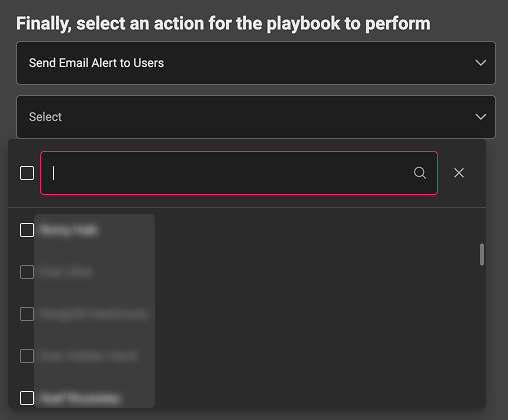
A new Playbook action lets you send to a specific user, so a playbook can route its output to the right person.